Healthcare Website Design: How to Build a Clinic Site People Can Book
Healthcare website design for clinics and home-care services: clear service pages, booking flows, trust signals and patient data handled under UU PDP.
In this article
Healthcare website design is the work of making a clinic, lab or home-care site easy to understand and easy to book. People arrive with a specific need, often on a phone and often in a hurry. A good healthcare website tells them what each service is, who provides it and what happens next, then gives them one clear way to book.
See our website design and development service.
What People Need from a Healthcare Website
Someone looking for a clinic or a home visit usually has three questions: can they help with this, can I trust them, and how do I book. The design should answer those in that order.
| Question | What the page should show |
|---|---|
| Can they help with this? | A clear list of services, each with its own page and plain-language detail |
| Can I trust them? | Practitioner profiles, licences where relevant, locations, hours and real contact details |
| How do I book? | One main call to action per page, a short booking flow and a clear confirmation |
When any of these is missing, people call, message on WhatsApp, or leave for another provider. Each of those is a booking the website could have handled.
Structure: One Page per Service
A common problem on clinic websites is a single "Services" page that lists everything in one paragraph. People can't tell what is included, who it is for, or how to book that specific service.
Give each service its own page with:
- What it is, in one or two plain sentences.
- What is included and how a visit or session works.
- Who provides it, with practitioner names and roles.
- Where and when: at the clinic, at home, or online, and in which areas.
- One booking button that carries the chosen service into the booking flow.
This structure also helps search: a page per service can rank for that service, instead of one page trying to rank for everything.
Booking Flows That People Finish
The booking flow is where most healthcare websites lose people. Keep it short and predictable:
- Show the service and its details before asking for anything.
- Ask for the minimum: name, contact, preferred time and location.
- Leave health questions for the consultation unless the service truly needs them up front.
- Confirm on screen and by message, with what happens next.
- Test it on a mid-range Android phone, since that is how many people in Indonesia will book.
Health Data and UU PDP
Under Indonesia's UU PDP No. 27/2022, health data is a specific type of personal data, with stricter handling than an email address. For a clinic website, that means:
- Collect only the data the booking needs, and say why you need it.
- Ask for clear consent before collecting health information.
- Store form submissions securely, not in a shared inbox or spreadsheet.
- Publish a privacy policy that explains how data is used, kept and deleted.
Good UX and good data practice point the same way here: shorter forms are easier to finish and carry less risk.
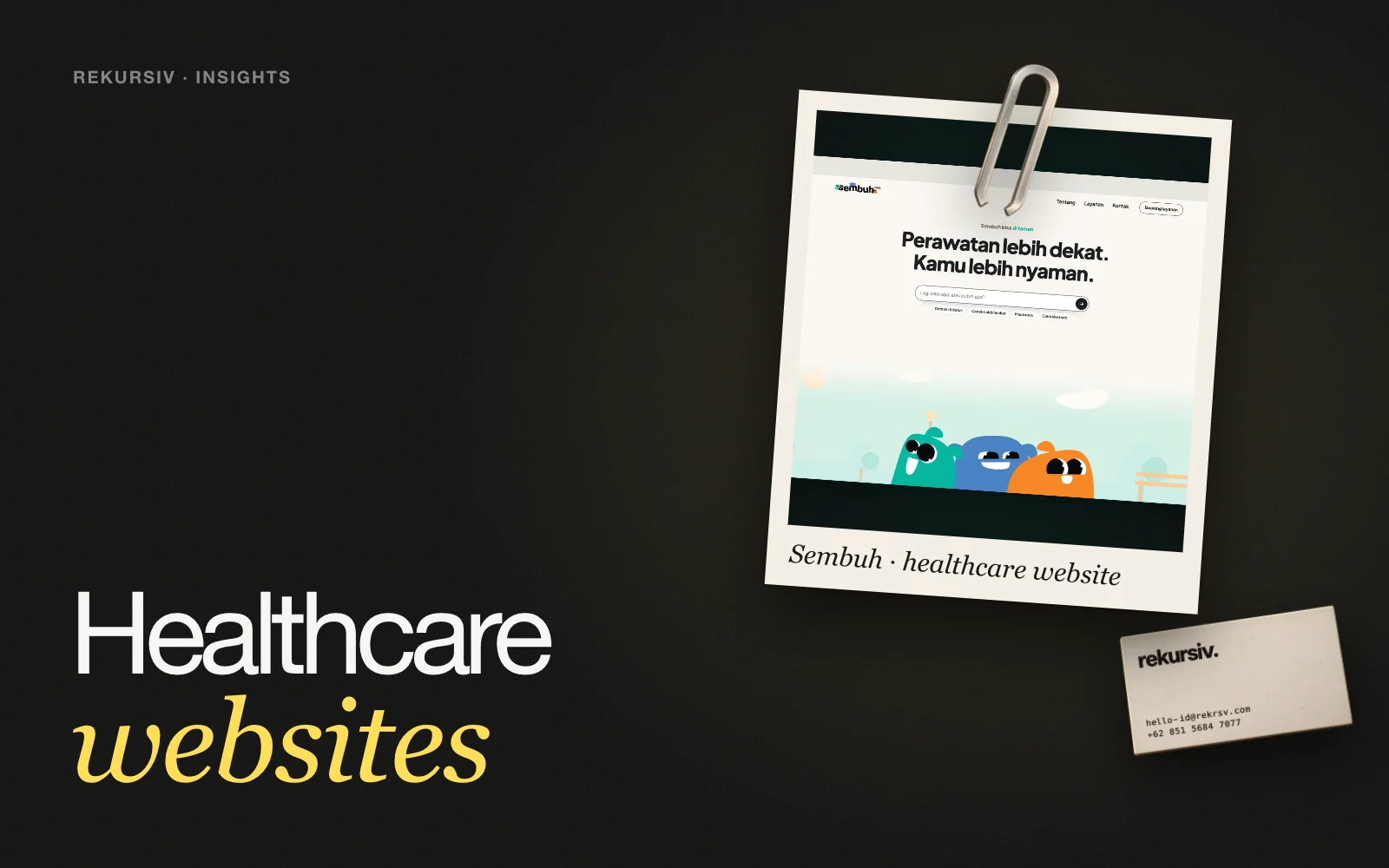
Case: Revamping the Sembuh Home-Care Website
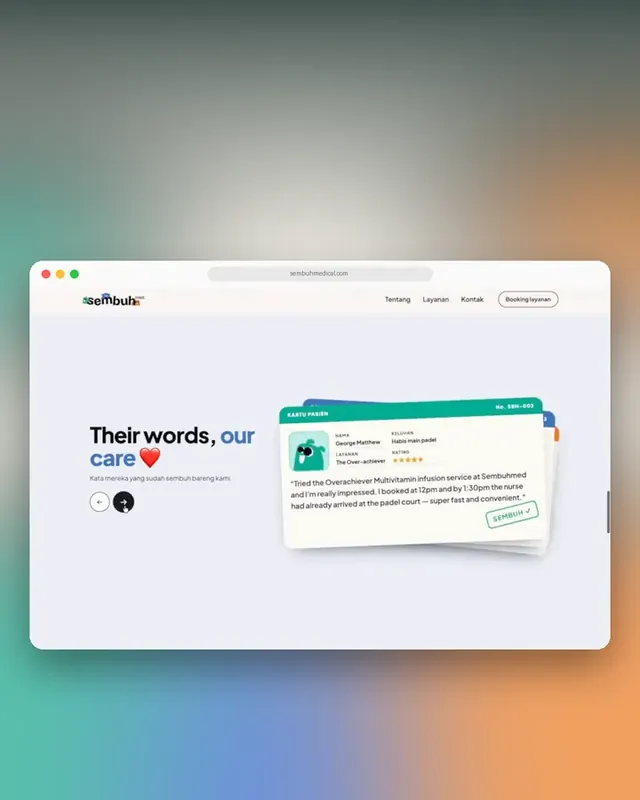
SembuhSee the project →Sembuh brings doctors, IV vitamins and aesthetic care to people's homes. Its old website had a confusing flow, no detail on each service, and calls to action that didn't guide people to book.
We set three goals for the revamp: make the flow easy to follow, give every service its own detail, and use calls to action that guide people to book. Our work covered UX/UI design, the website revamp and web development, so the structure we designed is the structure that went live.
The result is a site where each home-care service is explained on its own, and every page leads to the same next step: booking.
A Short Checklist Before Launch
- Every service has its own page with a booking action.
- Practitioner, location and contact details are current.
- The booking flow works on mobile in a few steps.
- Forms ask only for what the booking needs, with consent for health data.
- The privacy policy is linked from every form.
- Page titles and descriptions name the service and the area you serve.
How to Start
Begin with the services people book most and map the path from search to confirmation for each one. Fix the service pages and the booking flow first, then the rest of the site. If you want a team to design and build it with you, get in touch.
Frequently Asked Questions
What is healthcare website design?
Designing and building the website of a clinic, hospital, lab or home-care service so people can understand each service, trust the provider and book an appointment or visit without calling around.
What pages does a clinic website need?
A home page that explains what you offer, one page per service, doctor or practitioner profiles, locations and hours, a booking page or flow, an FAQ, and a privacy policy that explains how personal and health data is used.
How do you make a healthcare website easier to book?
Keep one main call to action per page, show what each service includes before asking for details, ask only for the data the booking needs, and confirm every step clearly, including on mobile.
Does UU PDP apply to clinic websites in Indonesia?
Yes. Under UU PDP No. 27/2022, health data is a specific type of personal data. A clinic website that collects it needs clear consent, a stated purpose, secure storage and a privacy policy people can read.
Should a healthcare website give medical advice?
No. A clinic website should explain services, prices or how to ask about them, and how to book. Medical questions belong with a qualified practitioner, so the site should guide people to a consultation.
Sources
Project figures from rekursiv case studies