Usability Testing: A Practical Guide for Product Teams in Indonesia
What usability testing is, when to do it, how many participants you need, the steps, and real results from finance apps and brand websites in Indonesia.
In this article
Almost every product team believes its app is easy to use. Then someone from outside the team is asked to finish one simple task and gets lost in three taps. Usability testing is the fastest way to find those moments before real users do.
This guide is based on usability tests we ran for finance apps, public services and brand websites in Indonesia.
What is usability testing?
Usability testing means watching real people use your product to complete real tasks, and noting where they succeed, hesitate or fail. It measures behaviour, not opinion.
What is usually measured:
- Task success: can the participant complete the task?
- Time: how long does it take?
- Errors: where do they mis-tap, go back or get confused?
- Satisfaction: how do they feel afterwards, often measured with a questionnaire such as SUS (System Usability Scale).
When should you run usability testing?
| When | Why |
|---|---|
| Before launch | Problems are still cheap to fix |
| After launch, when numbers drop | Find out why sign-ups or conversions fell |
| Before a redesign | Know what to keep and what to change |
| When adding a big feature | Make sure it doesn't break flows that already work |
How many participants do you need?
To find the big problems, five to eight people per user group usually show a clear pattern. After that, extra participants tend to hit the same issues.
What matters more than the number is who they are. They should look like your real users. Some examples from our projects:
- Mirae Asset Sekuritas: 30 participants, traders, investors and beginners, before launching the M-Stock app.
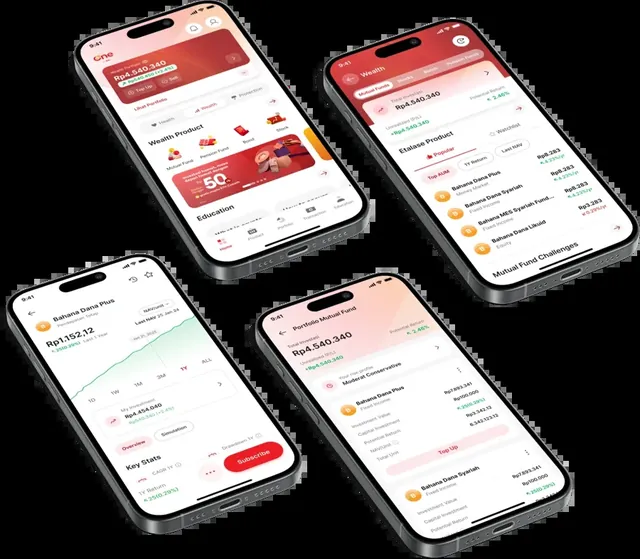
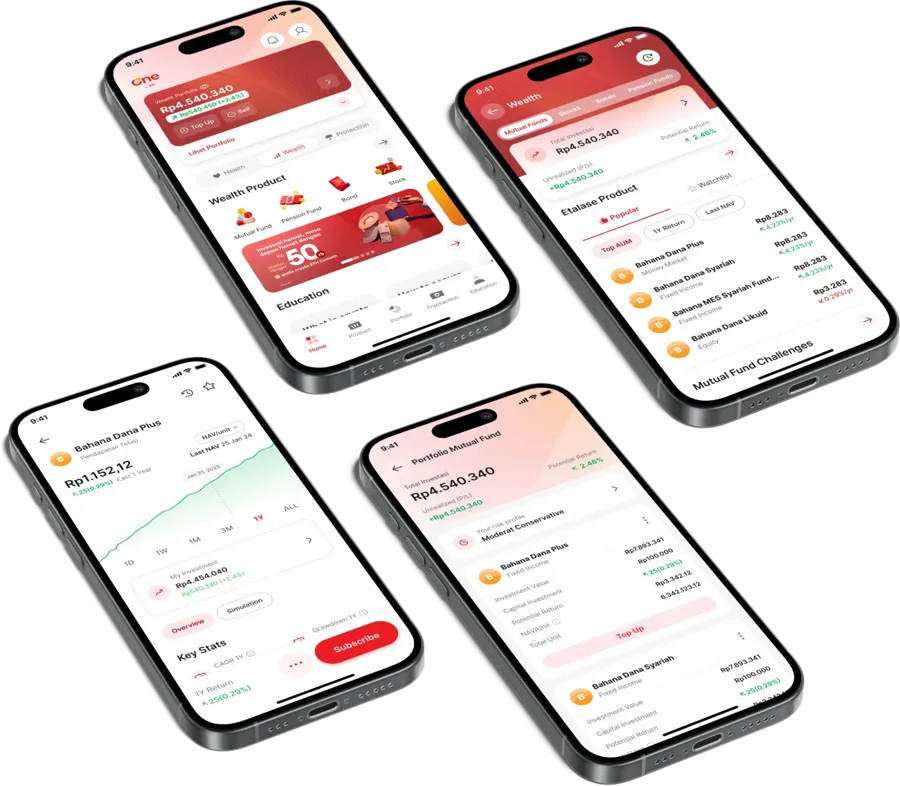
- One by IFG: in-depth interviews and usability testing with 15 users before launch.
- BTN Cash Management System: 10 corporate-client participants, plus a heuristic evaluation.
The steps
- Plan. Pick the tasks that matter most to the business, such as "sign up" or "find the plan price", and recruit matching participants.
- Observe. Run sessions in person or remotely. Ask people to think aloud as they go.
- Measure. Record success, time, errors and satisfaction, so problems have numbers, not just opinions.
- Fix. Turn findings into a severity-ranked issue list and prioritised design recommendations.
Real results from usability testing
User research is not a report that ends in a folder. Some results from projects that started with research and testing with real users:
| Project | Result |
|---|---|
| Bahana Sekuritas (trading app) | 62% faster registration, 92% faster product finding, purchases in under 18 seconds |
| Kalbe Consumer Health (website in 9 countries) | Average search time down 66%, 4.3% conversion to purchase |
| Morinaga Soya (website) | Session duration up 24%, pages per session up 22% |
| One by IFG (finance app) | 75K users in 8 months, 4.9 rating |
| Mirae Asset Sekuritas | 4.7 app rating, 89% of the recommended strategy implemented |
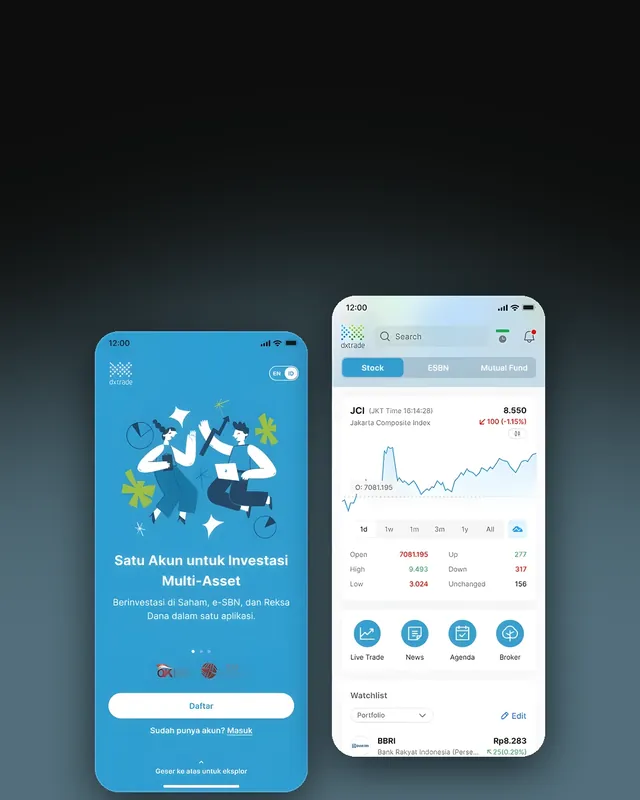 Registration 62% fasterRevitalizing a stock trading app
Bahana Sekuritas8+ new features
Registration 62% fasterRevitalizing a stock trading app
Bahana Sekuritas8+ new features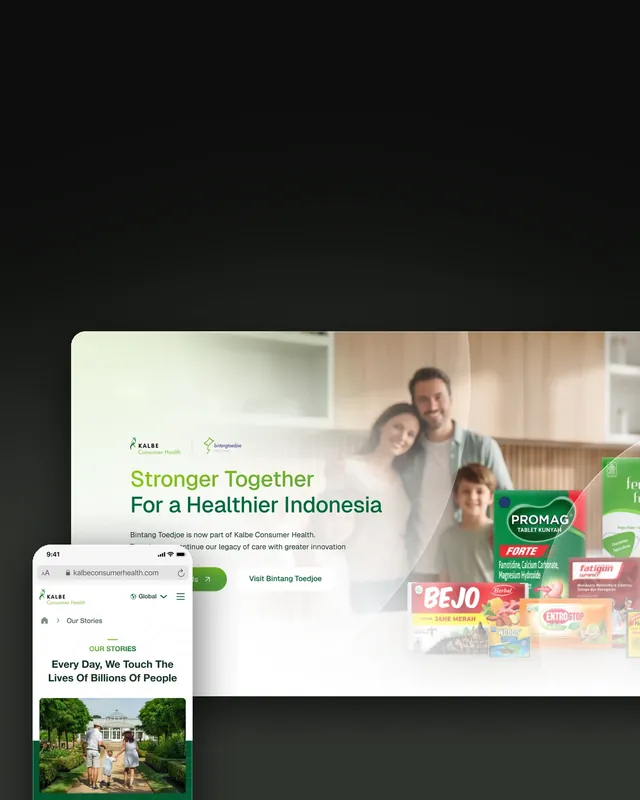 One website, nine countriesOne website for nine countries
Kalbe Consumer Health9 countries launched
One website, nine countriesOne website for nine countries
Kalbe Consumer Health9 countries launched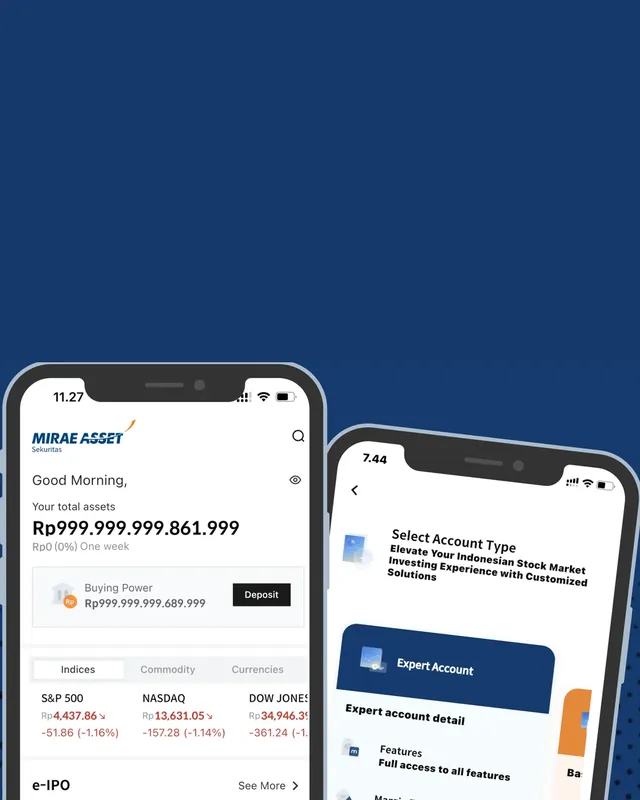 Tested by 30 traders firstPre-launch UX research for a trading app
Mirae Asset Sekuritas4.7 app rating
Tested by 30 traders firstPre-launch UX research for a trading app
Mirae Asset Sekuritas4.7 app ratingCommon mistakes
- Testing with colleagues. They already know the product, so the problems stay hidden.
- Helping when participants get stuck. The confusion is the data.
- Asking "is this easy?" People tend to say yes. Watch what they do instead.
- Testing too late. Once everything is coded, changes get expensive.
- Not prioritising findings. A list of 80 issues with no order never gets done.
People say the app is easy. Then they try to use it.
Try one yourself in a minute
We built a tiny usability test you can take right now: find the price of a plan in a mock app while we time you and log every tap. Open the Work page and click "Try a usability test".
Planning a launch or a redesign? See our research projects or tell us what you need.
Frequently asked questions
How many participants do you need for usability testing?
To find the big problems, five to eight people per user group usually show a clear pattern. If your product has very different user groups, such as beginner investors and active traders, test each group separately. In our projects the number has ranged from 10 to 30 people depending on the need.
How is usability testing different from a survey?
A survey asks for opinions. Usability testing watches what people actually do. People often say an app is easy, then get lost on a simple task. Both are useful, but only usability testing shows exactly where the product breaks.
When is the best time to run usability testing?
Before launch, while problems are still cheap to fix. After launch, when sign-ups or conversions drop. And before a redesign, so you know what to keep and what to change.
Can usability testing be done remotely?
Yes. Sessions can be in person or remote, moderated or unmoderated. In person gives richer observation; remote is faster and reaches people in more cities.
What do you get after usability testing?
Session recordings and a highlight reel, a list of issues ranked by severity, and prioritised design recommendations, so the team knows what to fix first.