Website Usability Testing: What to Test, Tasks and Metrics
Website usability testing step by step: which pages to test, example tasks, the metrics to record and how to fix what you find, with real results.
In this article
Website usability testing is how you find out why visitors leave before they contact you or buy. You give real people a few realistic tasks on your site, watch where they hesitate or give up, and fix those spots first.
See our usability testing service.
What Is Website Usability Testing?
Website usability testing is a research method where people who match your real visitors try to complete tasks on your website while a researcher observes. Participants think aloud as they go, so you hear what they expected to find and see what they actually did.
It answers questions analytics alone can't: why do visitors leave the product page, why does nobody use the search, why is the contact form half filled and abandoned.
Which Pages to Test First
You don't need to test the whole site. Start with the journey that brings in revenue or leads.
| Page or flow | What to watch for |
|---|---|
| Homepage and navigation | Do visitors understand what you offer within seconds, and pick the right menu? |
| Search | Do they use it, and do the results match what they typed? |
| Product or service page | Can they find the price, the details and the next step? |
| Form, booking or checkout | Where do they stop, which fields confuse them? |
| Mobile version | Can every task above be done on a phone, with one thumb? |
Mobile deserves special attention. Most visitors in Indonesia browse on a phone, and a menu that works on a wide screen can hide key pages behind an icon people never tap.
Example Tasks for a Website Test
Good tasks describe a goal, not the button to click. Some examples:
- "You want a vitamin for your child. Find one that fits and see where you can buy it."
- "Find out how much the basic package costs and what it includes."
- "You have a question for the company. Send it to them."
- "Find the store closest to you."
- "Compare two products and choose one."
Avoid tasks that use the exact words on your menu, such as "click Products". That tests reading, not finding.
The Metrics to Record
- Task success rate: how many participants complete each task.
- Time on task: how long it takes, especially for search and navigation.
- Errors: wrong clicks, back taps, dead ends.
- Satisfaction: a short score at the end, for example a single ease question per task.
After fixes, run the same tasks again and watch the live numbers: conversion, search time, session duration and drop-off on the key pages.
Combine Testing with Analytics
Analytics tells you where visitors leave. Usability testing tells you why. The two work best together: use the data to choose which pages and tasks to test, then use the sessions to decide what to change.
The same thinking applies to campaign sites. For Telkomsel's #JelajahDigital virtual world, data analysis and a Data Studio dashboard made campaign performance easy to read, and the work went alongside +251% new visitors, +301% returning visitors and an average time spent of 2m 10s.
A Real Example: One Website, Nine Countries
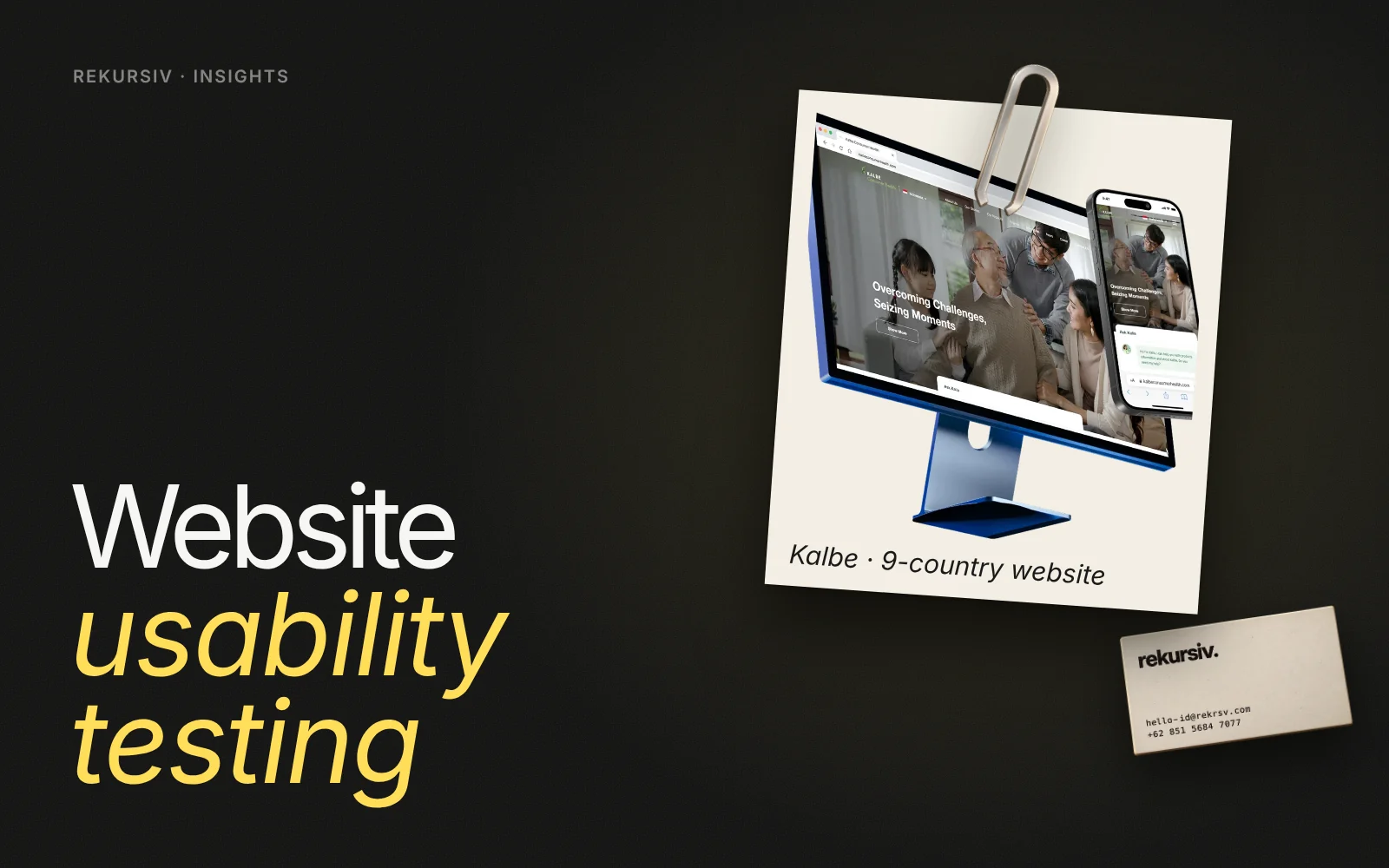
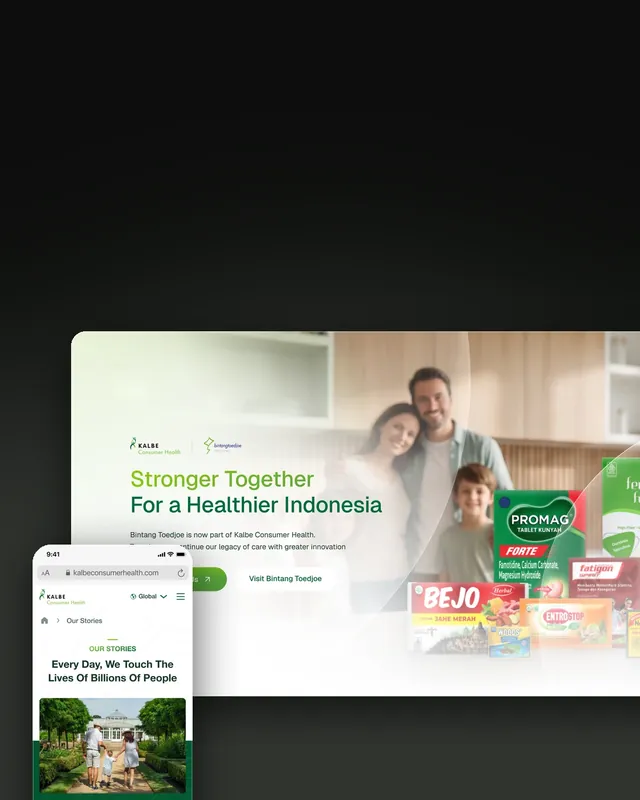
Kalbe Consumer Health needed one global website that feels local in every market and works for people with low digital literacy. The process included user research, user journey analysis, wireframing and usability testing before launch.
| Result | Figure |
|---|---|
| Countries launched | 9 |
| Average search time | −66% |
| Conversion to purchase | 4.3% |
| Session duration | 2m 03s |
 One website, nine countriesOne Website for Nine Countries
Kalbe Consumer Health9 countries launched
 Growing a virtual worldGrowing the #JelajahDigital Virtual World
Telkomsel+251% new visitors
How to Start
- Pick one goal, for example more contact form submissions or more product finds.
- Check analytics for the page where most visitors drop off.
- Write three to five tasks around that journey.
- Test with five to eight people who match your visitors, on the device they use most.
- Fix the biggest issues first, then test again.
Planning a new site or a redesign? Talk to us about testing it with real visitors first.
Frequently Asked Questions
What is website usability testing?
Website usability testing is a research method where real people complete realistic tasks on a website, such as finding a product or filling in a contact form, while a researcher records where they succeed, hesitate or fail.
Which pages should I test first?
The pages on your main conversion path: the homepage and navigation, search, the most important product or service page, and the form or checkout. Analytics usually shows which of these loses the most visitors.
Should I test on mobile or desktop?
Test the device most of your visitors use. For most websites in Indonesia that is a phone, so run the mobile sessions first and add desktop if a large share of traffic or conversions comes from it.
What metrics should I record?
Task success rate, time on task, errors such as wrong clicks or back taps, and a short satisfaction score. After fixes, compare the same tasks again and watch conversion, search time and drop-off in analytics.
Can I test a website before it is built?
Yes. Clickable wireframes or prototypes can be tested before development, which is when changes are cheapest. Test again on the live site before and after launch.
Sources
- “Remote Usability Tests: Moderated and Unmoderated”, Nielsen Norman Group
- Jakob Nielsen, “Thinking Aloud: The #1 Usability Tool”, Nielsen Norman Group
Project figures from rekursiv case studies
- One website for nine countries Kalbe Consumer Health
- Growing the #JelajahDigital virtual world Telkomsel