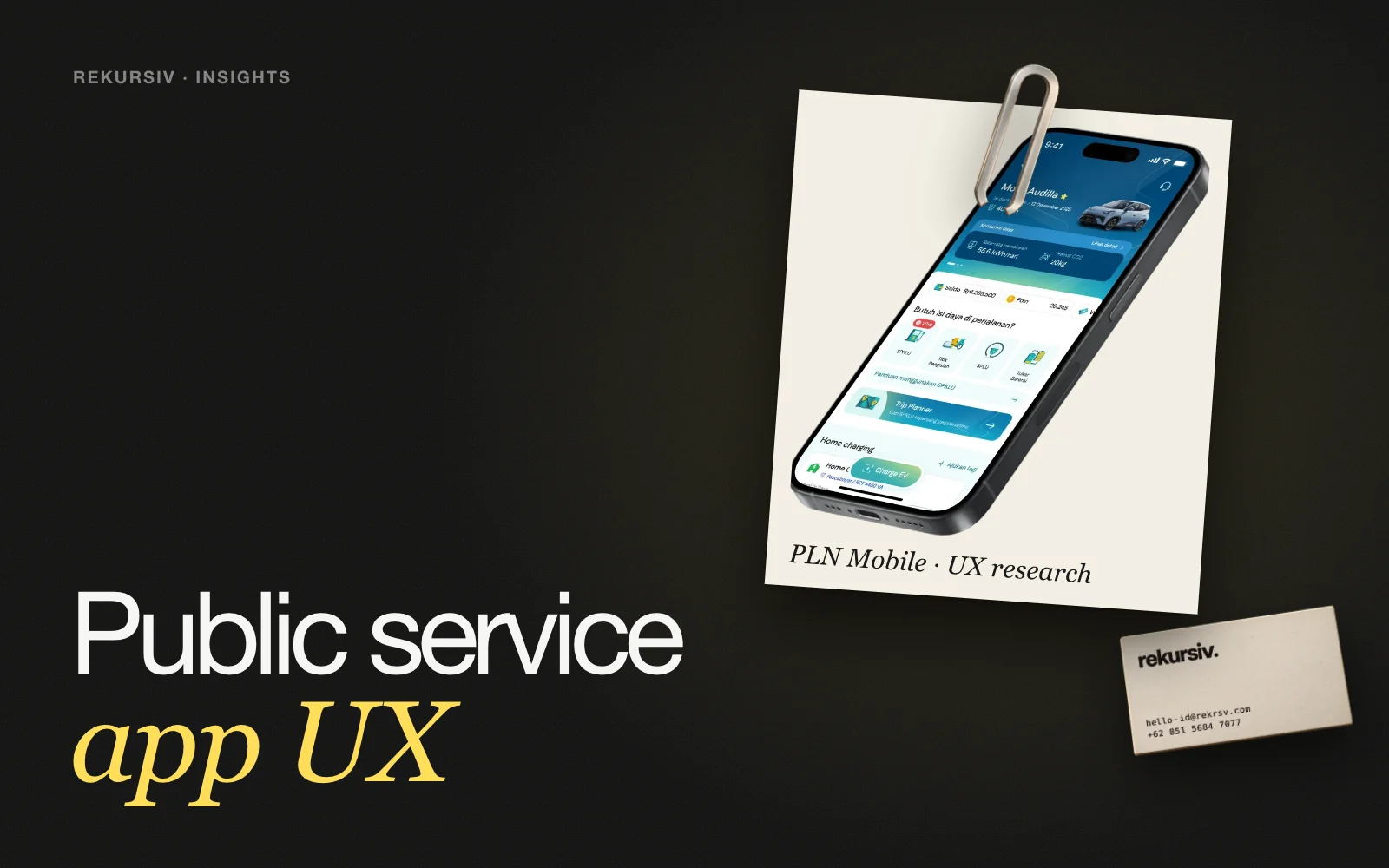
Public Service App UX: How to Research and Fix Apps Everyone Relies On
Public service app UX in Indonesia: how to research real users, run usability testing across regions and prioritize fixes, with PLN Mobile and KAI cases.
In this article
Public service app UX is the work of making apps for electricity, transport, payments and other public services usable by everyone who depends on them. The users are the whole population, on every kind of phone and in every region. The way to get it right is to research real users, test the flows they use most, and fix the friction that stops them finishing a task.
See our user research service and our wider UX research work.
Why Public Service Apps Need a Different Approach
A commercial app can choose its audience. A public service app serves everyone, so the same app has to work for:
- People who use it every day and want speed.
- People who open it once a month to pay a bill.
- Older users and first-time smartphone users.
- Users in different regions, on different devices and connections.
This is why internal assumptions often miss. Terms the organization uses every day can feel unfamiliar to users, and steps that look logical on a flowchart can feel long in someone's hand.
A Research Process That Works for Public Services
- Listen to real users of the live app. Interviews and focus group discussions show how people actually describe the service and where they get stuck.
- Build personas from what you saw. Group users by need and behaviour, not by demographics alone.
- Test the most-used flows. Run usability testing on real tasks: check a bill, pay, buy a ticket, switch IDs.
- Analyse pain points. Note where people hesitate, backtrack or ask for help, and how often.
- Prioritize. Rank fixes by how many users they affect and how much they block the task.
- Carry it into design. Turn findings into wireframes and UI, and test again.
Common Friction Points
| Friction | What it looks like | Typical fix |
|---|---|---|
| Too many steps | Users tap through screens before reaching the task | Shorten the path to the most-used actions |
| Buried information | Key details sit several levels deep | Group related information on one screen |
| Unfamiliar terms | Internal or technical labels | Use the words users said in research |
| Managing several IDs | Hard to switch between saved accounts | Bring saved IDs forward and make switching simple |
| Outdated look | Users trust the app less | A refreshed UI grounded in research |
Case: PLN Mobile
 PLNSee the project →
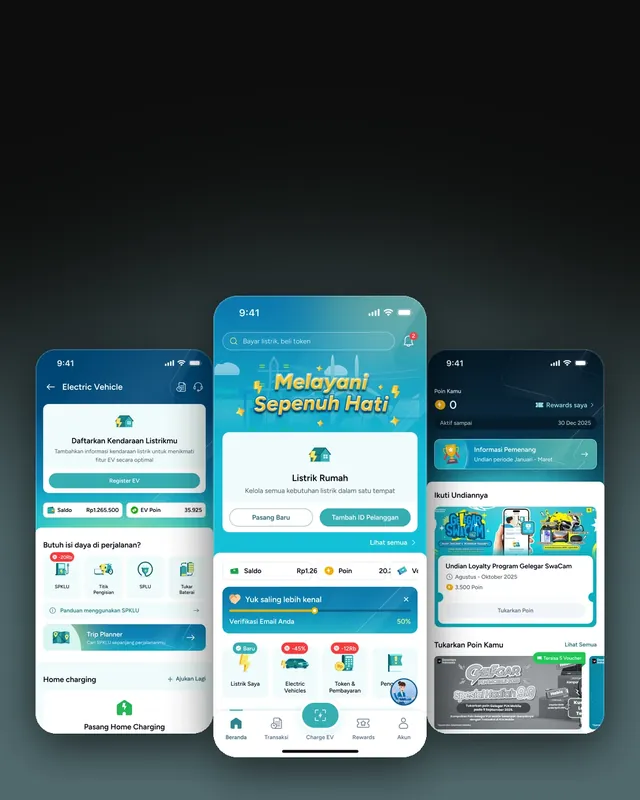
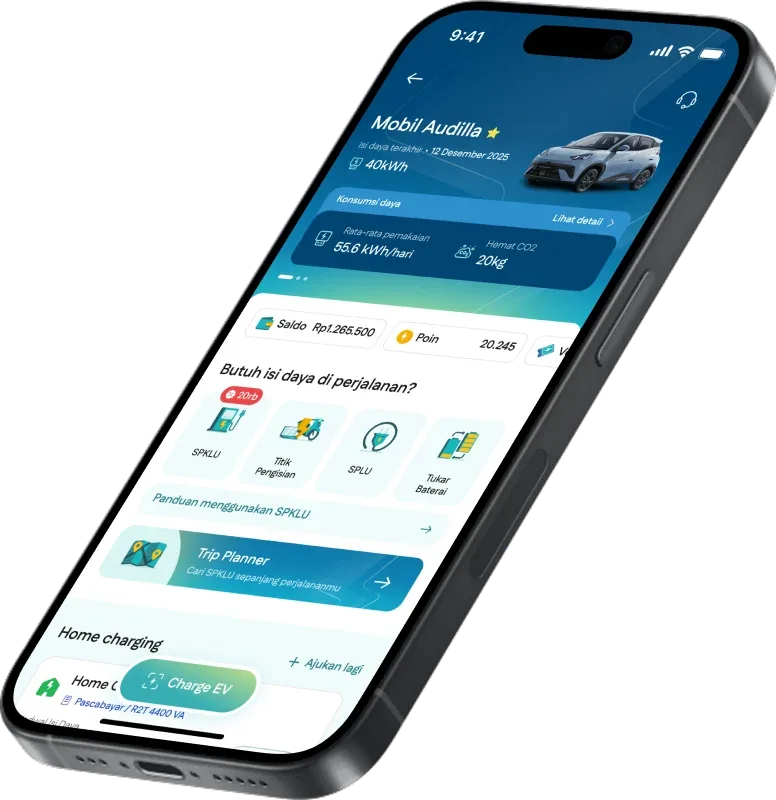
PLN Mobile handles electricity, EV charging, internet and bill payments in one super app. We started with research among real users and carried the findings all the way to the final UI.
We gathered insights from 40+ users of the live app. They said it felt outdated, had too many steps, buried important info and used unfamiliar terms. From there we built 8 personas, usability-tested across Indonesia, through user research, focus group discussions and usability testing.
Brainstorming and wireframes then brought saved IDs forward, grouped related information and made switching between IDs simpler. The result was a fresher look and a simpler way to navigate, with saved IDs, key information and the right actions closer to hand.
Case: Access by KAI
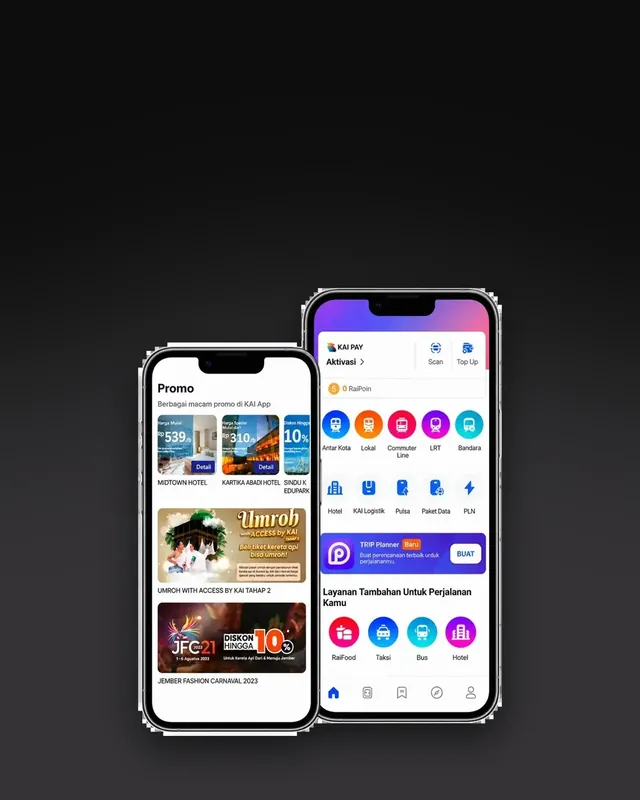
KAI asked us to test the Access by KAI app. The goals were to find friction across key user journeys, evaluate existing features and prioritize fixes that raise task success.
Our work covered usability testing, pain point analysis, UX recommendations and prioritization. The output was a ranked list of what to fix, so the product team could start with the changes that matter most to users.
Where Public Service App UX Pays Off
- Fewer support requests, because people can finish tasks on their own.
- Higher task success on the flows the service exists for.
- More trust, because the app speaks the users' language.
- Clearer roadmaps, because every change traces back to research.
How to Start
Pick the two or three flows most of your users depend on. Run a short round of research and usability testing with real users from more than one region, then rank what you find before you redesign anything. If you want a team to run the research and carry it into design, talk to us.
Frequently Asked Questions
What is public service app UX?
The user experience of apps people use to access public or state-owned services, such as electricity, transport or bill payments. Good public service app UX lets people of any age, region or skill level finish their task without help.
Why is UX harder for public service apps?
The audience is everyone. Users range from first-time smartphone owners to daily commuters, on different devices and connections, across many regions and languages. Terms and steps that feel normal inside the organization often feel unfamiliar to users.
How do you research a public service app?
Combine interviews or focus group discussions with usability testing on the live app. Recruit users from several regions, watch them complete real tasks, and group what you see into personas and pain points.
What should a public service app fix first?
The flows people use most, such as checking a bill, paying, buying a ticket or switching between saved IDs. Rank issues by how often they happen and how badly they block the task, then fix the top ones first.
How many users do you need for usability testing?
It depends on how many user groups you have. Test enough people from each group and region to see repeated patterns, rather than aiming for one large number.
Sources
Project figures from rekursiv case studies