AR Packaging: How Scannable Packs Bring Buyers Back
AR packaging turns a product pack into a game, portal or photo filter. How it works, the mechanics that drive repeat purchases, and real FMCG results.
In this article
AR packaging is a product pack that comes to life when you point a phone camera at it. The buyer scans the pack and sees a game, a character, a portal into a virtual world or a photo filter, right on top of the product they just bought. For FMCG brands it turns the pack into a reason to play, share and buy again.
See our web AR service.
How AR Packaging Works
- The trigger. A QR code, a link or the pack design itself tells the phone what to load.
- The scan. The camera recognises the pack and places digital content on or around it.
- The experience. A game, portal, filter or story runs in the phone's browser.
- The return. Missions, collections or rewards give the buyer a reason to come back with another pack.
Most campaigns today use web AR, which runs in the browser instead of a separate app. That matters on a shelf: every extra step between seeing the pack and the first scan loses people.
Four Formats That Work on a Pack
| Format | What the buyer does | Best for |
|---|---|---|
| AR game | Scans the pack to play, catch or collect | Repeat purchases, kids and families |
| AR portal | Steps through a doorway into a virtual world | Product stories, recipes, education |
| Photo filter | Takes a photo with characters or a frame | Sharing on social media |
| Product story | Sees how the product is made or used | Launches and new variants |
The format follows the goal. If you want people to buy again, choose something with progress. If you want reach, choose something people want to share.
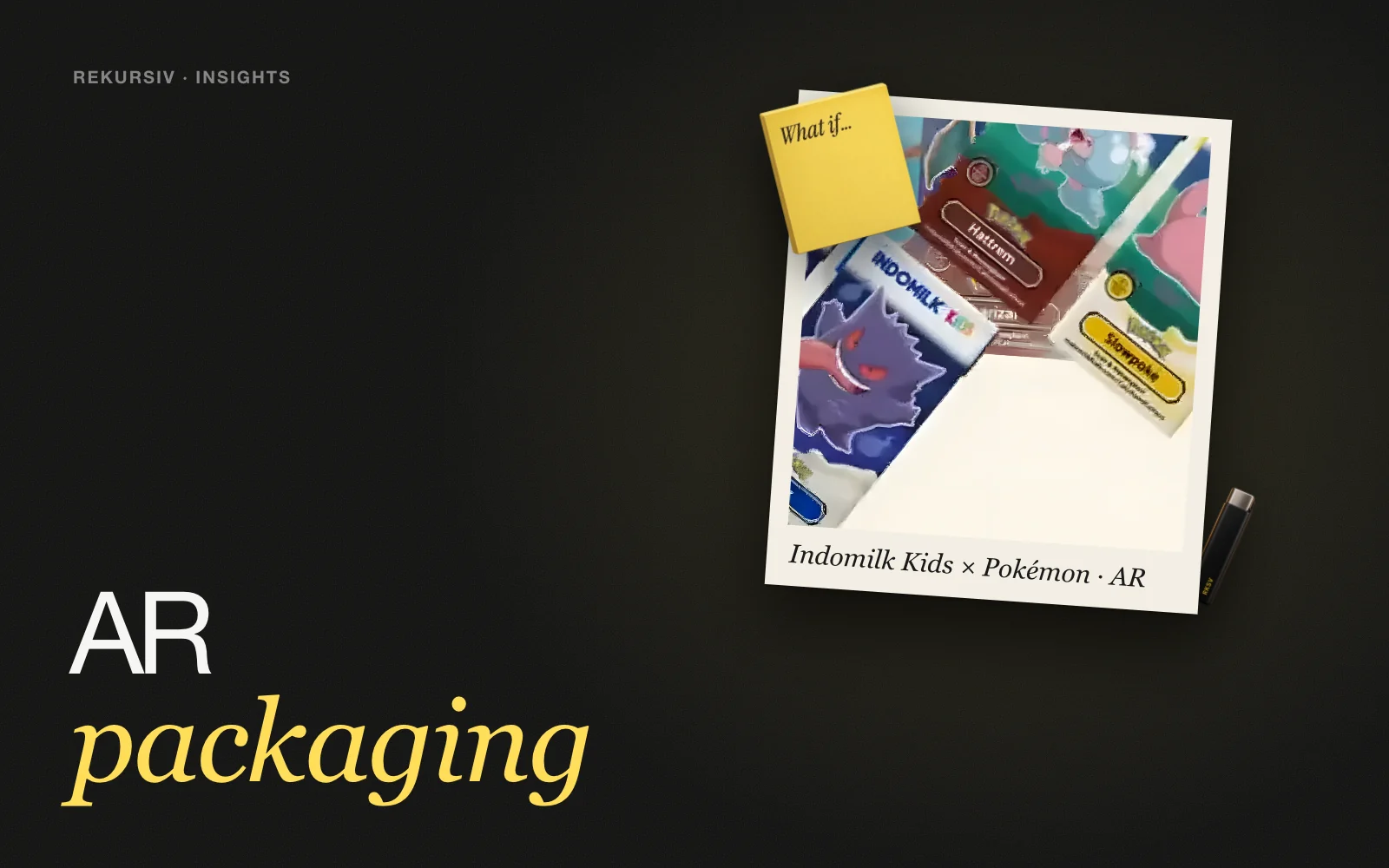
Indomilk Kids × Pokémon: A Game That Needs the Next Pack
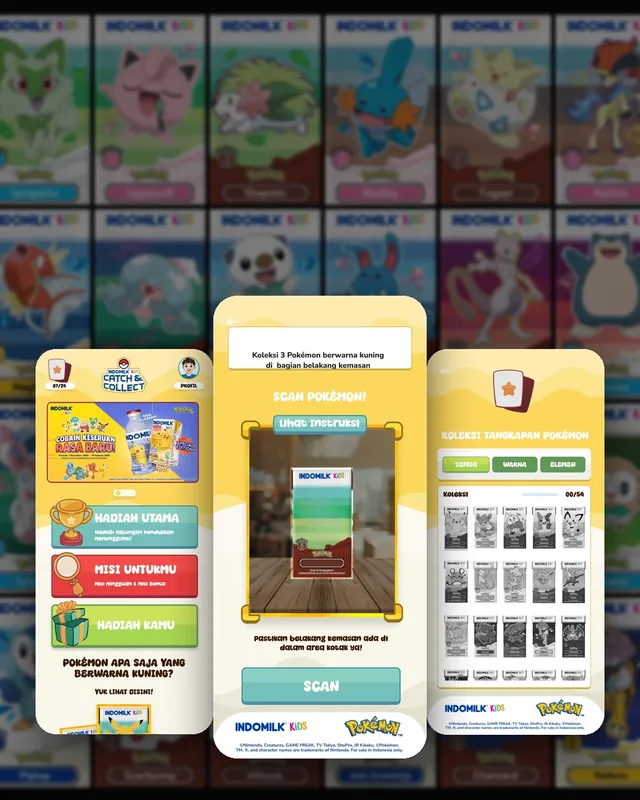
Indomilk Kids × PokémonSee the project →Indomilk Kids wanted to drive repeat purchases in a crowded FMCG market, where on-pack promos no longer held kids' attention. Instead of a one-off promo, we built a progress-based web AR game: scan the pack, capture the Pokémon, take on weekly missions and fill a digital Pokédex that shows what is collected and what is still missing.
The idea was to make every scan part of a longer journey. The results:
- 538k players
- 2m 2s average session
- 2.13M website views
Weekly missions give kids a reason to come back, and a Pokédex with gaps is a reason to ask for another pack. See AR games.
Sasa: A Portal and a Photo Filter
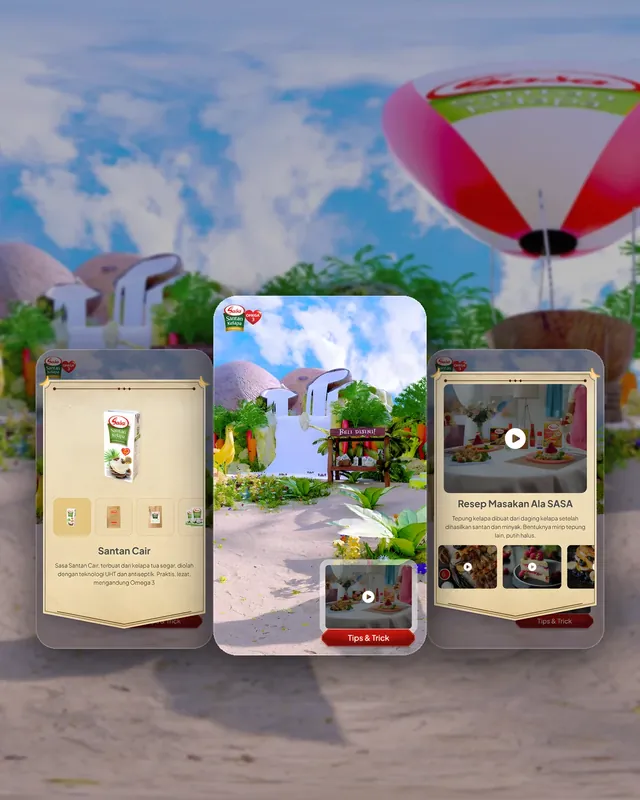
SasaSee the project →For Sasa, the question was how to reward buyers with a fun digital experience that also teaches them about the product. Scanning a Sasa Santan pack opens a portal into a virtual world with seven entry points to explore, from recipes and product stories to a hunting game, Santan Hunter. Portal AR lets people enter a world rather than only look at content. Before launch we ran several testing sessions on site to make sure it worked for real shoppers.
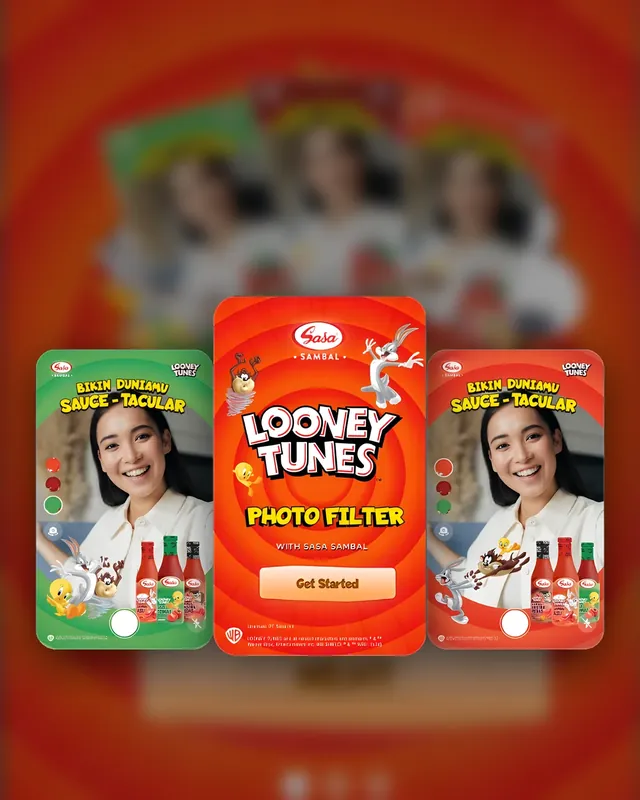
For Sasa Sambal × Looney Tunes, the goal was different: give buyers a reason to play with the pack and share it. Buyers scan the bottle in the browser, pick a Looney Tunes frame that matches the variant, take a photo with Bugs, Taz and Tweety, and share it to social media to unlock a coupon. A Sauce-tacular Hunt game sits alongside the filter.
What Makes AR Packaging Work
- No download. Web AR opens from a scan, so the first try takes seconds.
- A clear first moment. Something should happen within a few seconds of scanning.
- A reason to return. Missions, collections or coupons that need another purchase.
- Testing with real packs. Shelf lighting, crumpled packs and older phones all affect the scan, so test in the store, not only in the office.
- Data from every scan. Scans per product, per day and per region show what is working while the campaign runs.
How to Start
- Name the one goal: repeat purchase, education or sharing.
- Pick the format that fits that goal, and the packs it will run on.
- Build a prototype and test the scan with real packs on site.
- Plan the campaign length so weekly content or rewards have time to work.
Planning an AR packaging campaign? Talk to us.
Frequently Asked Questions
What is AR packaging?
AR (augmented reality) packaging is a product pack that comes to life when you scan it with a phone camera. The phone shows digital content on or around the pack, such as a character, a game, a recipe or a photo frame.
Do customers need to download an app for AR packaging?
Not with web AR. The buyer scans a QR code or opens a link, and the experience runs in the phone's browser. Removing the download step means more of the people who see the pack actually try it.
What can AR packaging do for an FMCG brand?
It gives buyers a reason to pick your pack, play with it and come back. With missions or collections it can drive repeat purchases, and every scan shows which products, regions and days are active.
What types of AR packaging experiences are there?
Common formats are AR games played from the pack, portals that open into a virtual world, photo filters with characters or frames, and product stories or recipes shown on the pack.
How long should an AR packaging campaign run?
Long enough for repeat purchases to happen. A one-off scan is over in a minute; weekly missions or a collection to complete give people a reason to buy again across the campaign.
Sources
Project figures from rekursiv case studies
- Pokémon AR packaging Indomilk Kids × Pokémon
- AR portal: Sasa in Wonderland Sasa
- Sauce-tacular: a Looney Tunes photo filter Sasa Sambal × Looney Tunes