Trading App UX: How to Design a Stock Trading App Investors Trust
Trading app UX explained: the flows that matter most, how to test them with real investors, and results from Mirae Asset and Bahana Sekuritas apps.
In this article
Trading app UX decides whether an investor registers, finds a stock and places an order without hesitation. In a market where every securities firm offers similar products, the app that feels faster and clearer wins the daily habit. The way to get there is to test the key flows with real investors and fix what slows them down.
See our fintech app development service.
What Trading App UX Covers
A trading app has to serve two very different people at once. An active trader wants speed and dense information. A beginner wants guidance and reassurance before their first order. Good trading app UX handles both without making either feel lost.
The flows that matter most:
| Flow | What good looks like |
|---|---|
| Registration and onboarding | Few steps, clear reasons for each document, progress visible |
| Product finding | Search and categories that get to a stock or fund quickly |
| Price and portfolio screens | Key numbers readable at a glance, detail one tap away |
| Order placement | Clear order type, amount and fees before confirming |
| Beginner support | Plain-language terms and help where decisions happen |
Common Friction in Trading Apps
- Long registration. Identity checks are required, but unclear steps make people stop halfway.
- Hard-to-find products. Investors know what they want but cannot reach it quickly.
- Unfamiliar terms. Jargon on the order screen makes beginners hesitate.
- Old interfaces. Apps that have not been updated in years feel slower than newer competitors, even when the features are the same.
Designing for Trust
Investors hand a trading app their savings, so every screen either builds confidence or erodes it. A few principles help:
- Show the full picture before confirming. Order type, quantity, price and fees on one screen, with a clear final step.
- Explain, then ask. Tell people why the app needs a document or a permission before asking for it.
- Keep beginners and traders in mind. Offer short explanations for new investors without slowing down experienced ones, for example a help link next to a term instead of a pop-up on every order.
- Make status obvious. After an order, show clearly whether it is pending, matched or cancelled.
Two Trading App Projects and Their Results
Mirae Asset Sekuritas: Research Before Launch
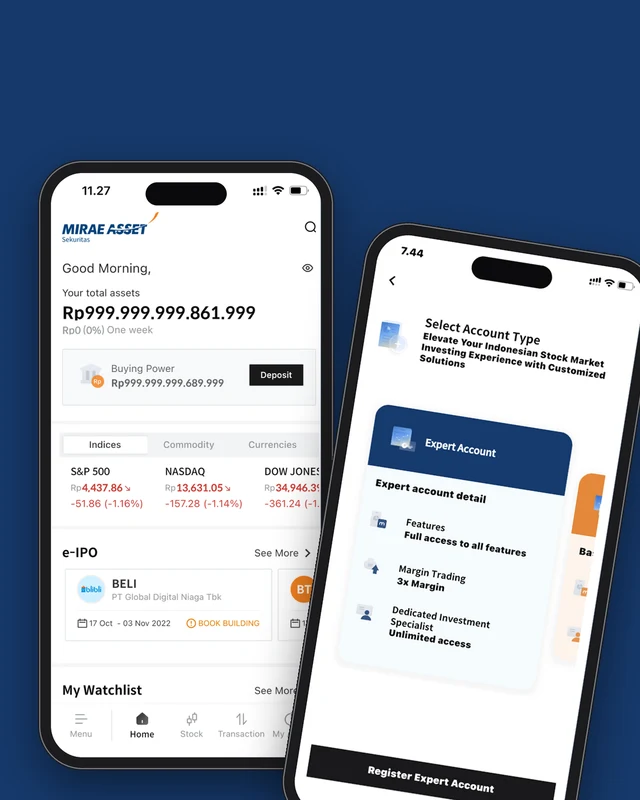
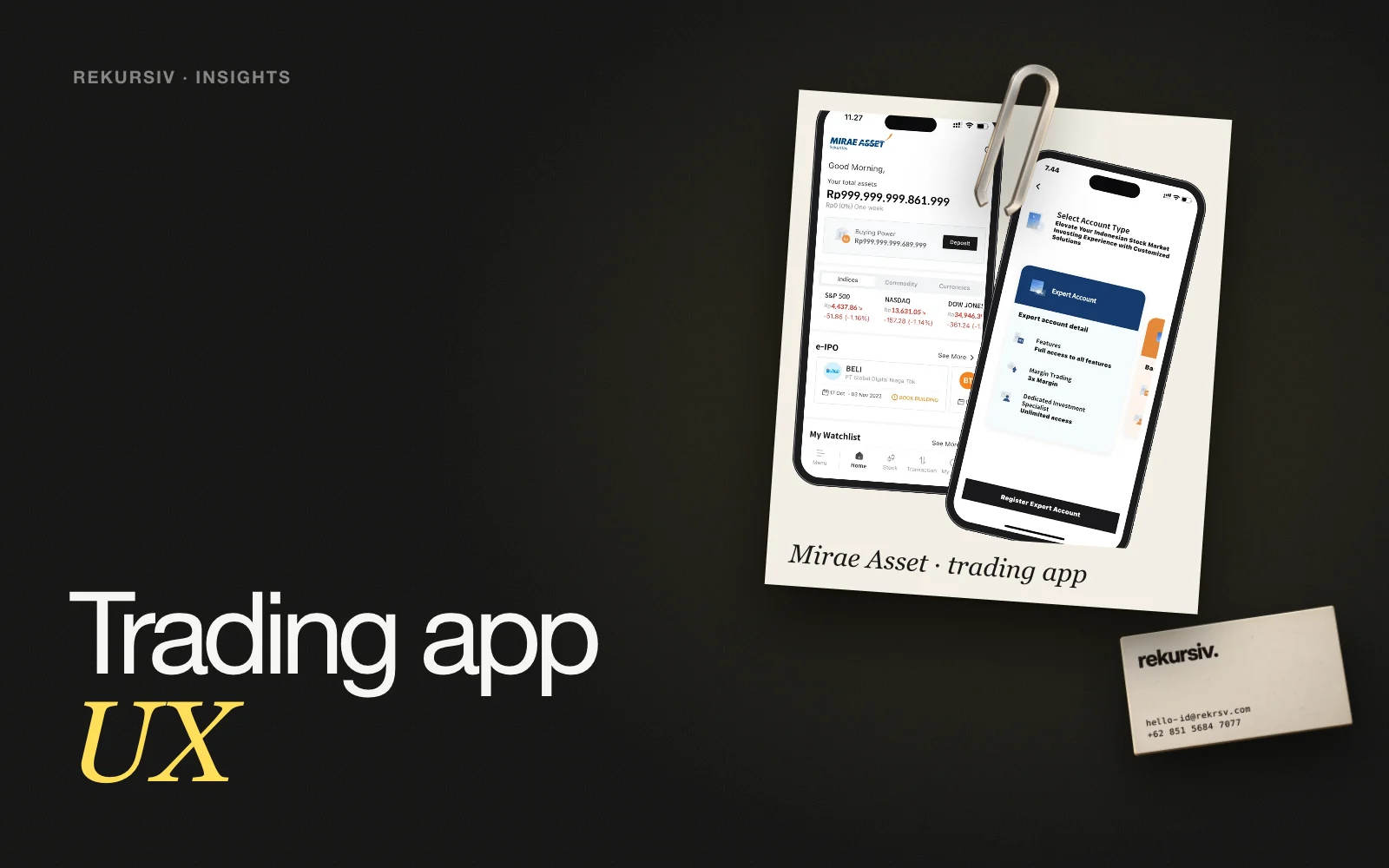
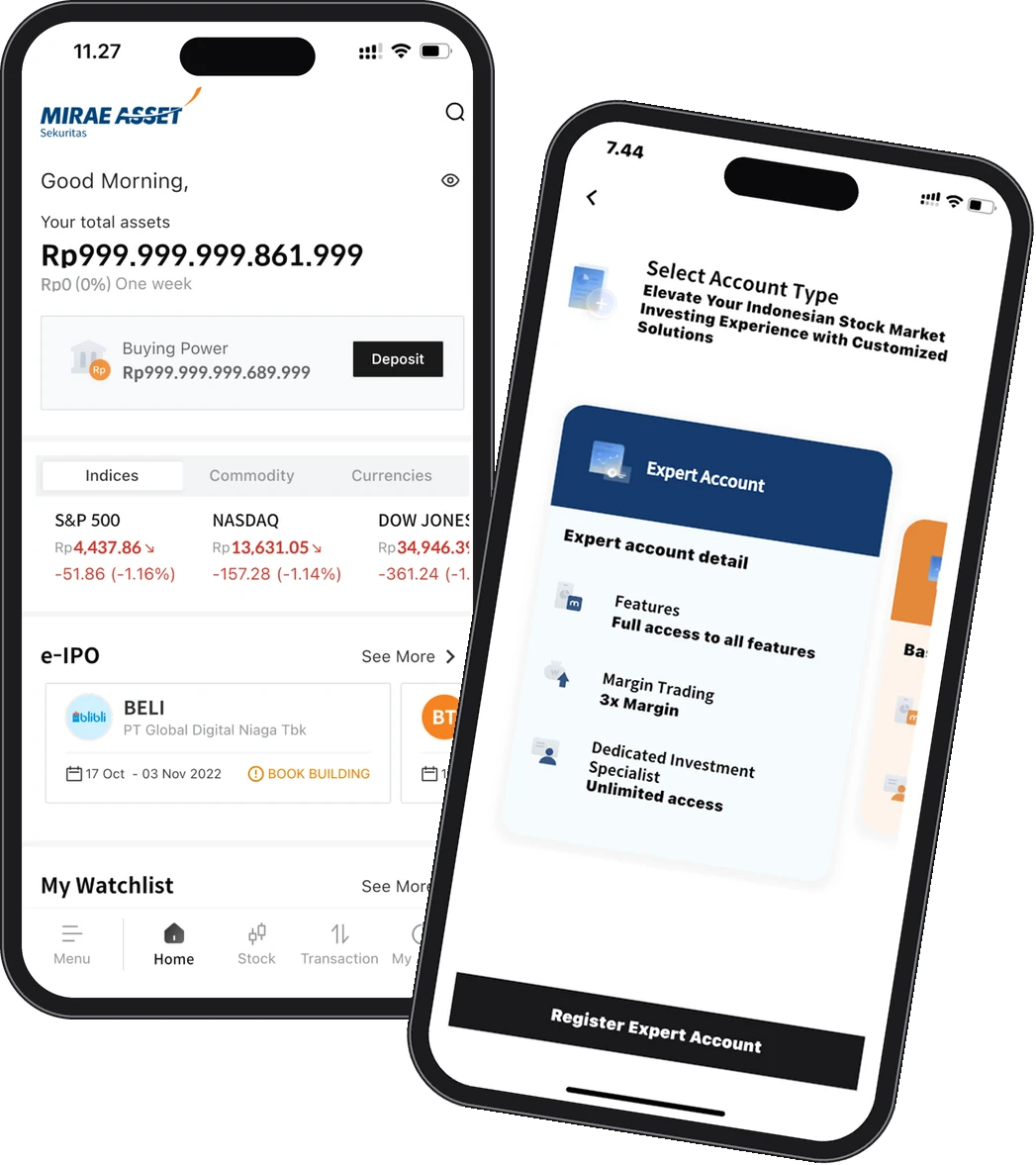
Before launching M-Stock against start-up investment apps, Mirae Asset Sekuritas wanted proof that the customer journey worked. We ran usability testing with 30 traders, investors and beginners, built a UI improvement strategy and consulted with senior management on the app's direction.
The app reached a 4.7 app rating, and 89% of the strategy was implemented.
 Mirae Asset SekuritasSee the project →
Bahana Sekuritas: Revitalising DXTrade
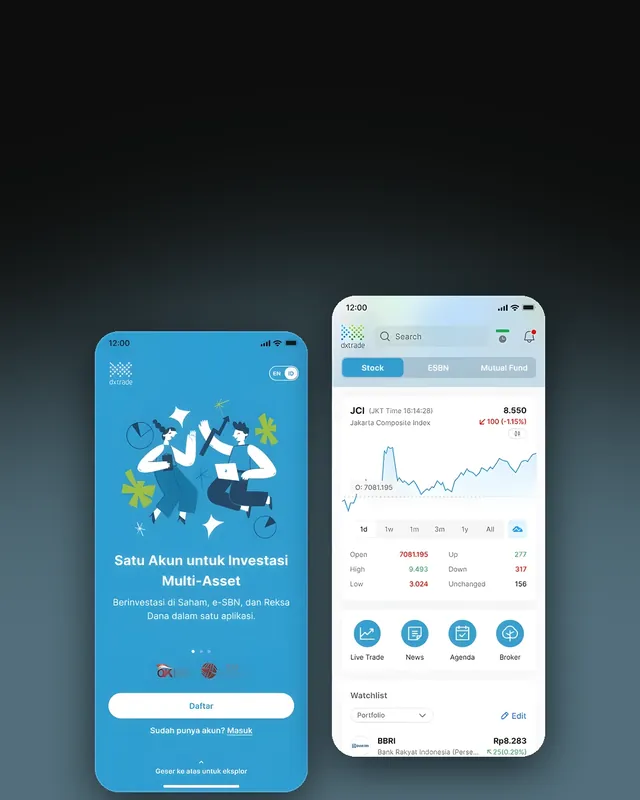
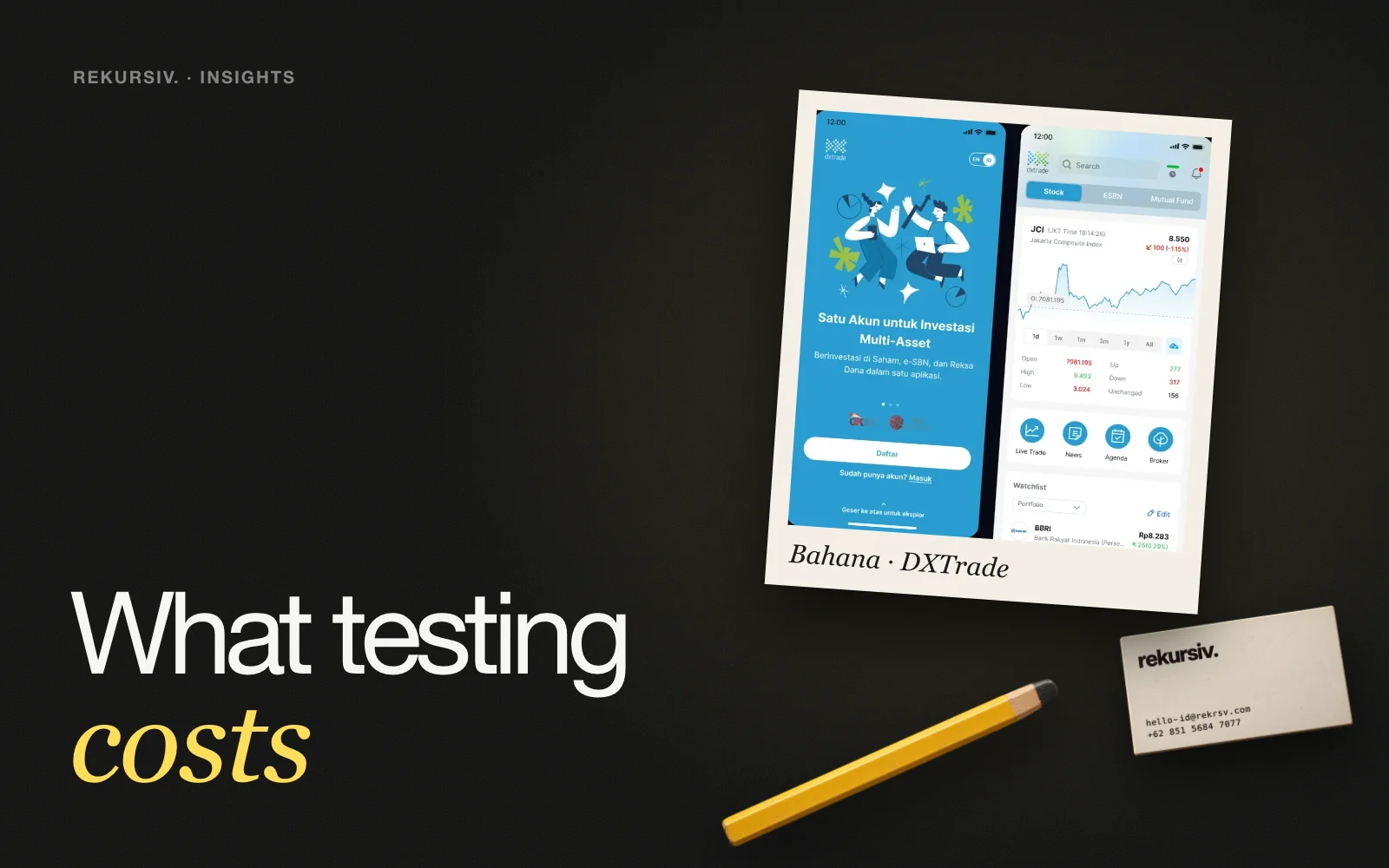
Bahana's trading platform, DXTrade, had not had a major update in years while competitors improved their experience, and engagement was slipping among younger investors. We carried out user research, experience design and UI design to turn it into a modern multi-asset investment app.
The results:
- 8+ new features
- 62% faster registration
- 92% faster product finding
- Under 18 seconds time to purchase
How to Improve Trading App UX, Step by Step
- Define the key tasks. Register, find a product, buy, sell, check the portfolio.
- Recruit a real mix of users. Active traders, long-term investors and beginners behave differently.
- Run usability testing. Give each participant real tasks, record time and steps, and note where they hesitate.
- Prioritise the fixes. Start with what blocks registration and the first order.
- Redesign and prototype. Test the new flow again before development.
- Measure after release. Compare task times, app rating and transaction activity with the baseline.
Registration collects identity and financial data. Explain why each item is needed, ask for consent and handle the data in line with UU PDP No. 27/2022. Clear explanations also build the trust a trading app depends on.
For the testing itself, see our usability testing service.
How to Start
Share your app, or its prototype, and the flow that worries you most. We will propose the participants, the tasks and the metrics, and test before you commit to a redesign. Contact us to review your trading app.
Frequently Asked Questions
What is trading app UX?
Trading app UX is the experience investors have when they use a stock or multi-asset trading app: registering, finding products, reading prices and placing orders. Good trading app UX makes these tasks fast and clear, so people trust the app with their money.
Which flows matter most in a trading app?
Registration and onboarding, finding a stock or product, reading the order screen and confirming a buy or sell. These are where users drop off or make mistakes.
How do you test a trading app's UX?
Run usability testing with the people who will use it: experienced traders, long-term investors and beginners. Watch them complete real tasks and note where they hesitate. For Mirae Asset we tested with 30 participants before launch.
How do you measure trading app UX improvements?
Time and steps for key tasks, such as registration time, time to find a product and time to purchase, plus app rating and transaction activity after release.
Does trading app UX involve personal data?
Yes. Registration collects identity and financial data, so the flow should explain why each item is needed, ask for consent and follow UU PDP No. 27/2022.
Sources
Project figures from rekursiv case studies
- Pre-launch UX research for a trading app Mirae Asset Sekuritas
- Revitalizing a stock trading app Bahana Sekuritas